

Hard Drive Recovery
Recover all varieties of data from a hard drive without any loss of information.
Have you unintentionally removed critical data from your hard drive? Wonder Share Recover Software is a dependable solution for hard drive recovery, enabling you to retrieve data from internal drives on Windows, Mac, and Linux, as well as from NAS hard drives and external drives with minimal effort. The key features that distinguish Recover Software as an optimal choice for hard drive data recovery include.
- User-friendly and intuitive interface.
- Cutting-edge scanning algorithm utilizing patented technology.
- Comprehensive support for a wide range of storage devices and file formats.
- No purchase required if your files are not located.

.png)


Powerful Advanced Features
Retrieve data such as videos, photos, and various other files utilizing patented technology
Recovery software provides advanced capabilities for efficient data recovery. It is an ideal solution for retrieving lost or deleted videos and files from malfunctioning computer systems and various storage devices.
Improved SD Card & External Devices Recovery
Improved SD card and external device recovery methods have significantly advanced, offering users enhanced chances of retrieving lost or corrupted data. Modern recovery tools leverage advanced algorithms that can scan and recover a wide range of file types, from photos and videos to documents and system files. These solutions often feature deep scanning options that analyze every sector of the device, improving the likelihood of successful recovery, even from damaged or formatted storage.
Additionally, support for various file systems, including FAT, NTFS, and exFAT, allows for broad compatibility across different devices like SD cards, USB drives, and external hard drives. With intuitive interfaces and step-by-step guidance, users can confidently restore important files with minimal technical expertise, making these tools indispensable for both casual users and professionals.

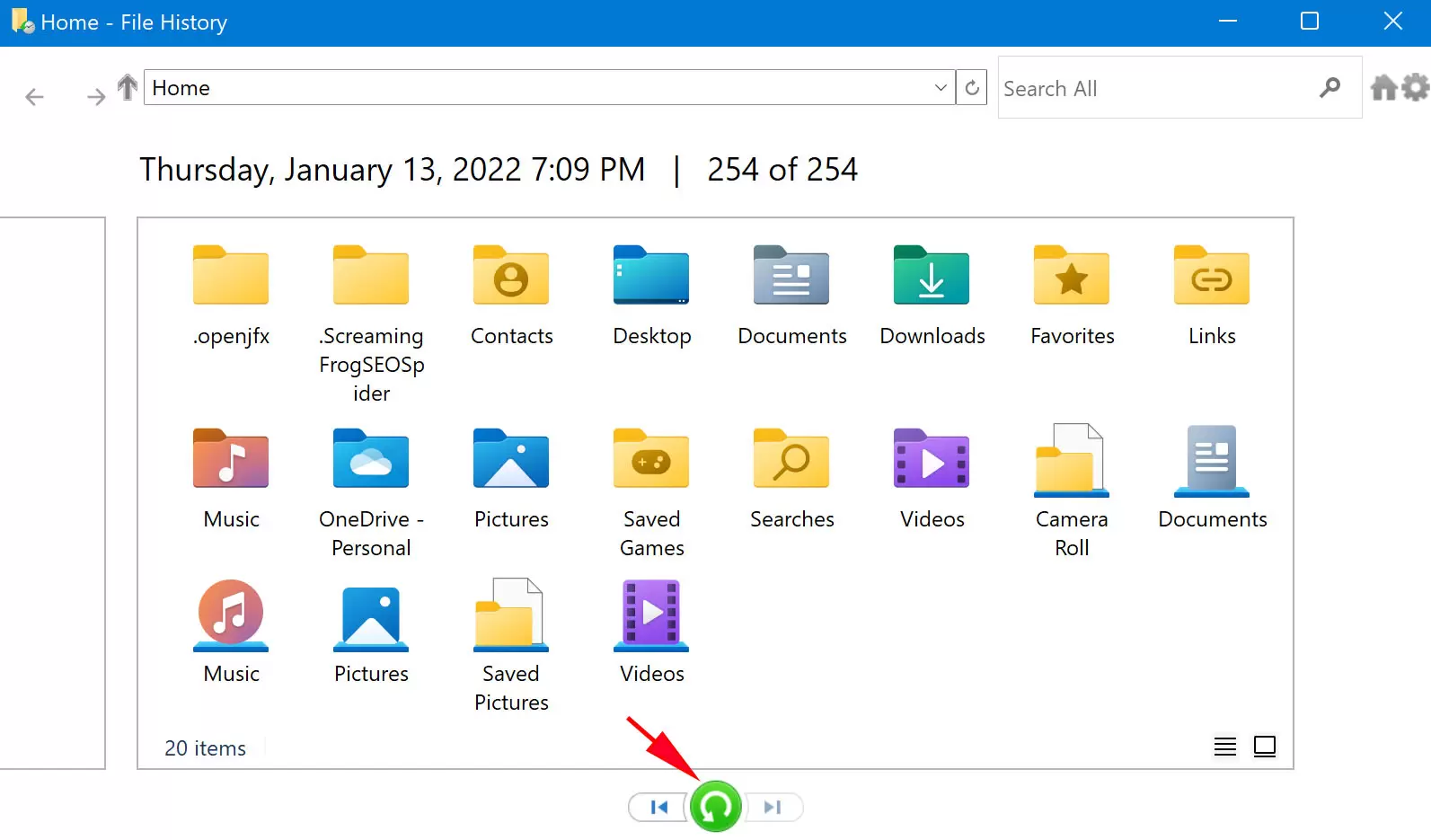
Enhanced Photo & Video Recovery
Enhanced photo and video recovery tools have revolutionized the way we retrieve lost or corrupted media files. These advanced recovery solutions utilize sophisticated algorithms that can detect and restore a wide array of photo and video formats, even if the files were accidentally deleted, corrupted, or lost due to device failure. By performing deep scans of storage devices like SD cards, hard drives, and external drives, these tools can recover media that might otherwise be unrecoverable through traditional methods. The software can also reconstruct incomplete or fragmented video files, offering users the chance to restore important memories, whether they were lost due to a formatting error, accidental deletion, or system crash.
Quick & Advanced Video Repair For All Scenarios
Quick and advanced video repair solutions are designed to address a wide range of issues affecting video files, offering both fast fixes for minor problems and advanced recovery for more complex scenarios. These tools can repair corrupted, damaged, or unplayable videos caused by file transfer errors, improper shutdowns, virus infections, or storage device malfunctions. Quick repair features work by analyzing and fixing common issues like glitches, stuttering, or audio-sync problems in just a few clicks. For more severe damage, advanced video repair tools employ sophisticated algorithms to restore fragmented files, fix video header corruption, and resolve issues with video codecs. Whether you're working with MP4, AVI, MOV, or other popular formats, these solutions can help recover videos that might seem beyond repair.


What we do
When Recovery Software Fails to Retrieve Your Files
If recovery software fails to retrieve your files, it can be frustrating, but all hope is not lost.
01
Data Overwriting
When new data is written to your drive, it can overwrite the space where deleted files were previously stored.
Explore More02
Severe File System Corruption
If your file system is severely corrupted (e.g., due to a system crash, hardware failure, or a failed attempt to repair it).
Explore More03
Physical Damage to the Storage Device
Physical damage to your hard drive, SSD, or external storage device.
Explore More04
Unsupported File System
Some data recovery tools might not support certain file systems or partitions. If your drive is formatted with an unsupported.
Explore More05
Encrypted or Password-Protected Data
If the files or the disk itself are encrypted or password-protected, recovery software.
Explore More06
File Type Issues
Sometimes, recovery software fails because it is looking for the wrong type of file, or the software.
Explore MoreAdvanced Data Recovery Software for Hard Drives
Retrieve lost or corrupted files from both internal and external hard drives.
-
This comprehensive tool is compatible with both Windows and Mac operating systems.
-
It enables the secure recovery of lost or deleted files from encrypted HDDs and SSDs.
-
The tool supports more than 1,000 file formats, encompassing images, videos, Office documents.


Recover Data
If you need to recover lost or deleted data, there are various methods and tools available to help retrieve your files, depending on the situation

Hard Drive Formatting
Energistically transition interoperable resources with principle-centered metrics. Enthusiastically functional process improvements.

100% Secures Data
When it comes to ensuring that your data is 100% secure, when you're formatting a hard drive or trying to delete sensitive information.
Recover Any File, Folder,
from Window
Our software is designed to bring back lost data from multiple storage devices and supports all major file types, including

Documents: Word, Excel, PDF, PPT, and more.

Photos & Videos: JPEG, PNG, MP4, MOV, AVI, and others.

Audio Files: MP3, WAV, WMA, and more

Emails & Archives: PST, OST, ZIP, RAR, and more.
Process
3 Steps To Recovery Data With Recovery Software
Recovery Software is committed to providing a more user-friendly, secure, and intuitive approach to data recovery technology. Consequently, you can restore all your videos and files in just three simple steps.

-
Step 1
Select a location
Are you referring to choosing a file or folder for data storage, recovery, or something else ?
-
Step 2
Scan Your Device
The software will begin analyzing the device, looking for recoverable or repairable files. The process time will vary based on the device size and scan depth..
-
Step 3
Recover your Data
Once the scan completes, you should be able to preview the files that can be recovered. You may be able to view images, play videos, or read documents directly from the recovery software interface.
Reviewed by the Community. Trusted by Professionals
I appreciate the availability of the complimentary version of the software. I was unaware that my daughter had been using my computer while I was asleep. Upon waking, I discovered that some of my files had disappeared, even from the Recycle Bin; however, your software successfully restored them. Thank you very much!

Rupali Sharma
Founder and CEO at Amaara Herbs
After my hard drive crashed, I thought all my data was lost. The recovery service was amazing—they recovered everything! I’m so relieved and grateful for their expertise and quick response.

Manish Kumar
CEO at Farma Trends
It is quite comforting to possess a dependable tool for data recovery in the event of data loss. The Recovery Software conducts an extensive scan and is recognized for having one of the highest data recovery success rates in the industry, making it a trustworthy resource.

Kashish
CTO Haldiram's
Freely Asked Questions
Quick Support
Get in Touch Today!
Restore, Recover, and Reclaim Your Data – Fast, Secure, and Reliable Solutions for Every Need.