

Recovery Software For Mac
Comprehensive Solution
for macOS Recovery.
Retrieve up to 2GB of data at no cost on Mac.
- Recover deleted, lost, formatted, or corrupted files from a comprehensive array of devices.
- Recover 1000+ file types: photos, videos,unsaved mac word document, emails, audio, etc.
- Recover deleted files on a Mac, even in the absence of a Time Machine backup.
- Compatible with Macs equipped with M1, M2, and T2 chips.
- Support for the latest macOS Ventura 13 and earlier versions.

Mac Data Recovery Across Over 500 Recovery Scenarios.
If you have experienced data loss after restoring your Mac to factory settings, you may be seeking to recover deleted files, notes, unsaved Word documents, or retrieve files from your Mac devices. Recovery Software can efficiently restore the data you need with minimal effort, requiring only a few clicks.
-

Partition Loss
-

CPU Failure
-

Broken Screen
-

Virus Attack
-

Disk Format
-

Emptied Trash
-

Accidentally Deletion
-

Disk Damage
-

System Crash
-

Update Failure
Robust Mac Data Recovery:
Over 1000 File Formats.

Emails & Archives:
PST, OST, ZIP, RAR, and more.

Unsaved Documents:
Word, Excel, PDF, PPT, and more.

Photos:
JPG/JPEG, PNG, GIF, BMP, PSD

Video:
AVI, MOV, MP4, M4V, WMV, 3GP

Audio Files:
MP3, WAV, AIF/AIFF, M4A, WMA

Others:
Archives (such as ZIP, RAR, SIT, ISO)
Mac Data Recovery Has Never Been Easier
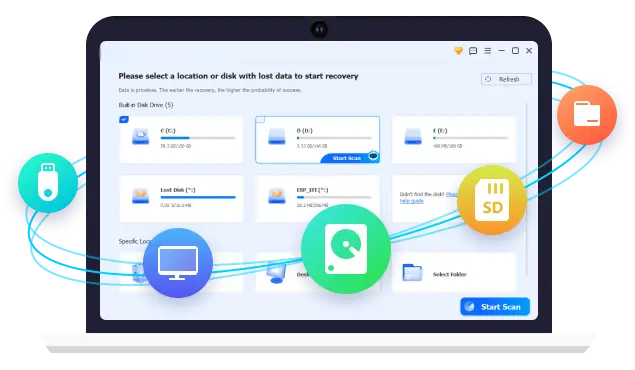
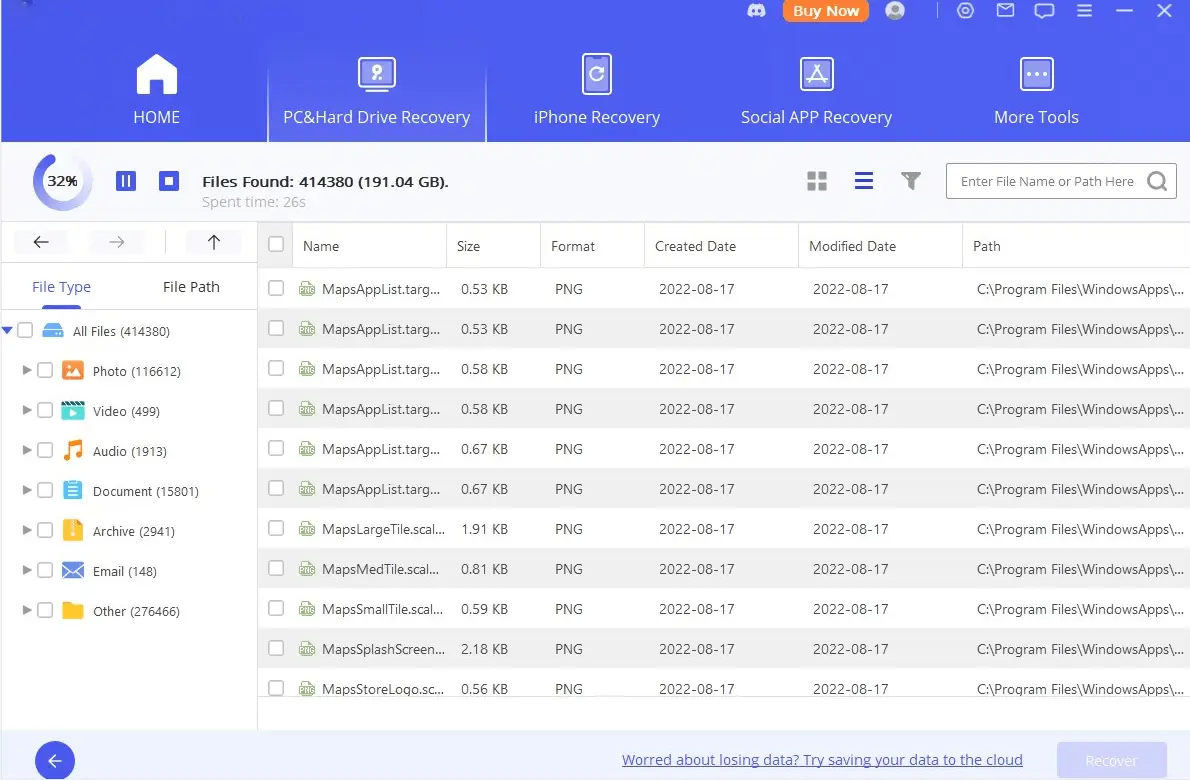
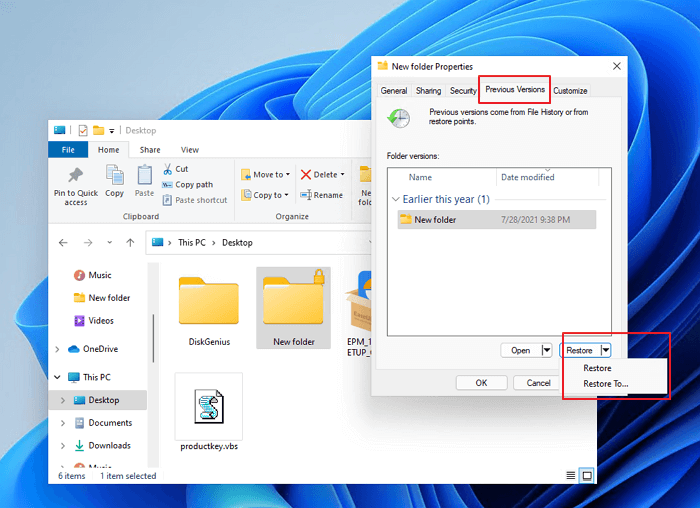
You can effortlessly recover your lost Mac files in just three steps using Recovery Software for Mac.
Supported OS
MacOS 11.0-13 beta3, MacOS X 10.11 ~ 10.10; macOS Ventura 13 and Lower versions.
Supported File System
APFS, HFS+, HFS X, exFAT, NTFS, FAT 16, FAT 32rives.
Supported Devices
iMac, MacBook, Hard Drive, SSD, USB Drive, Memory Card, Micro Card, SD/CF Card, Music Player, Camera, Video.
Support for T2, M1, M2, and M2 Ultra Mac models is available.
Data Recovery Software is an effective tool designed for the recovery of deleted information, serving as an optimal solution for retrieving lost data from both external drives and the primary disks utilized in Macs equipped with Intel, Apple T2, M1, M2, and M2 Ultra processors.
Know More About Us
Improved Mac Data Recovery Solution for Optimized Efficiency.
An improved Mac data recovery solution for optimized efficiency should incorporate advanced recovery algorithms, such as AI-powered techniques or deep scanning, which can identify lost files even in overwritten or corrupted sectors. It should support all data loss scenarios, including accidental deletions, formatting errors, and system crashes, while offering a user-friendly interface that simplifies the recovery process.
Advanced Recovery Algorithms
Look for software that uses AI-powered algorithms or deep scanning techniques to locate and recover lost or deleted files.
User-Friendly Interface
A clear recovery wizard that guides you step-by-step can significantly improve recovery times.
File System Compatibility
Ensure the software supports APFS (Apple File System), HFS+, and other macOS-specific file systems.
Safety and Security
Make sure the solution has built-in protections to prevent further data loss during recovery.
MacOS Recovery Strategies and Techniques.
MacOS recovery strategies and techniques are essential to fixing common issues, restoring lost data, or repairing a system that isn't booting properly.
Good Performance
Achieving good performance on macOS involves optimizing various aspects of the system to ensure it's running smoothly.
Highly Secure
Ensuring that your macOS system is highly secure is essential for protecting your data, and preventing unauthorized access.
Recover Data
If you're trying to recover data on macOS, there are several strategies you can try, depending on the situation.
Popular Articles
1. Fix Internet Recovery Mac not Working.
2. Restore Mac to Previous Date With/Without Time Machine.
3. Mac Stuck on Loading Screen/Progress Bar with Apple Logo.
4. Get Back Documents Folder Missing on Mac.

New Articles
1. Fix Chrome Is Crashing on Mac.
2. Restore Previous Version of Excel File on Mac.
3. Downgrade macOS/Mac OS X without Losing Data.
4. How to Format a USB Drive on Mac.

What Distinguishes Recovery Software for Mac as the Optimal Selection for Data Recovery.
Recovery software provides a range of capabilities that may not be immediately apparent. There are essential features that can help you differentiate Data Recovery for Mac from its competitors and enhance its utilization.





Testimonial
What They Say About Us
Uniquely promote adaptive quality vectors rather than stand-alone e-markets. pontificate alternative architectures whereas iterate.


Data Recovery Software
I appreciate the availability of the complimentary version of the software. I was unaware that my daughter had been using my computer while I was asleep. Upon waking, I discovered that some of my files had disappeared, even from the Recycle Bin; however, your software successfully restored them. Thank you very much!

Hard Drive Crashed.
After my hard drive crashed, I thought all my data was lost. The recovery service was amazing—they recovered everything! I’m so relieved and grateful for their expertise and quick response.

Data Software Issue
Recovery Software serves as a valuable utility capable of retrieving nearly any file from widely utilized environments and devices. Its design is both visually appealing and user-friendly, making it accessible for both technical experts and novice users alike.

Recovery Software Success rate 99.7%
It is quite comforting to possess a dependable tool for data recovery in the event of data loss. The Recovery Software conducts an extensive scan and is recognized for having one of the highest data recovery success rates in the industry, making it a trustworthy resource.

Hard Drive Data Recovery
I lost a bunch of super important footage on an Hard Drive and was able to use Recovery Software to get it all back. The customer service was instantly available and I chatted with them until 5 am and we figured it out. That saved me so much grief.
Faq
Frequently Asked Questions

Quick Support
Get in Touch Today!
Restore, Recover, and Reclaim Your Data – Fast, Secure, and Reliable Solutions for Every Need.